

### Blog Post:
Smart thermostat installation lets homeowners control heating and cooling with unprecedented precision, cutting energy bills and maximizing comfort. This guide breaks down how—and why—the demand for smart thermostats is skyrocketing, offering a practical, no-nonsense roadmap for your own installation.
Key Takeaways
- Smart thermostat installation empowers homeowners to automate comfort, save energy, and increase property value.
- Understanding wiring, compatibility, and DIY challenges is crucial for a smooth installation without costly mistakes.
- Integrating your smart thermostat with home automation systems unlocks advanced features but may involve connectivity hurdles.
- The Core Concept: What Is Smart Thermostat Installation?
- Step-by-Step Guide: How to Install a Smart Thermostat
- Advanced Analysis & Common Pitfalls
- Conclusion
- FAQ
The Core Concept: What Is Smart Thermostat Installation?
Smart thermostat installation means replacing your standard thermostat with an intelligent device you can program, control remotely, and connect to other smart home systems. This upgrade isn’t just for tech lovers—mounting demand has pushed global market valuations for smart thermostats to between $4.17B and $15.1B by 2025, with massive forecasted growth through 2036. See source
This boom is driven by stricter building efficiency regulations, rapidly expanding smart home platforms, and growing energy cost awareness. Wi-Fi linked devices lead the segment, while Zigbee/Z-Wave and new protocols like Matter are gaining ground. The U.S. market alone represents nearly a third of global sales and is growing at 13 to 17% CAGR, but Europe and Asia-Pacific are gaining momentum fast. Learn More
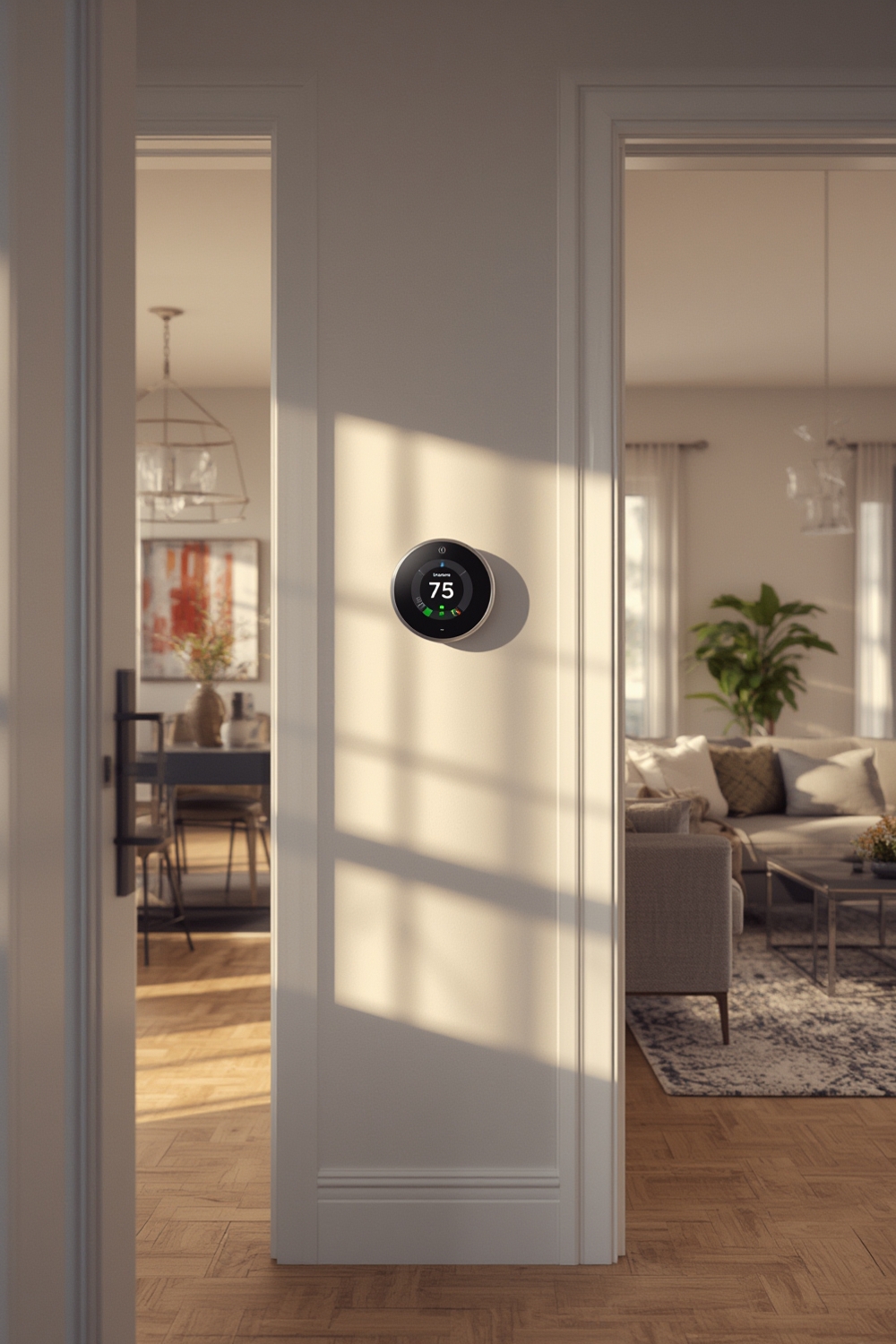
Installing a smart thermostat delivers flexible scheduling, learning capabilities, and even helps you reduce your home’s carbon footprint. If you want to understand why so many are moving from manual controls to remote management and automation, just consider the robust 72% market share held by residential users in 2024.
As you pursue energy upgrades or prepare to renovate your space, consider DIY acoustic insulation alongside your smart thermostat to minimize noise from heating and cooling systems—a common complaint in urban apartments and older homes.
Step-by-Step Guide: How to Install a Smart Thermostat
- Turn Off Power at your HVAC system. This is non-negotiable for safety.
- Remove Your Old Thermostat, taking a photo of the wiring for reference. Label each wire by terminal letter (e.g., R, C, W, Y, G).
- Check for a C-Wire (common wire). Most smart thermostats require it for steady power. If your system lacks a C-wire, you’ll need to use an adapter, run a new wire, or select a model that supports battery operation.
- Install the Base Plate for your new thermostat. Use the included screws and ensure wires are inserted into the correct terminals.
- Attach the Smart Thermostat, following the manufacturer’s pairing and mounting instructions.
- Restore Power and follow the setup/set language, Wi-Fi, and home integration prompts.
- Configure Schedules and link to your smart home devices—for voice command, app control, or automated routines.
For those in noisy or energy-leaky apartments, combining insulation with smart thermostats provides a powerful double-upgrade. See our guide on how to soundproof a room for more home comfort solutions.
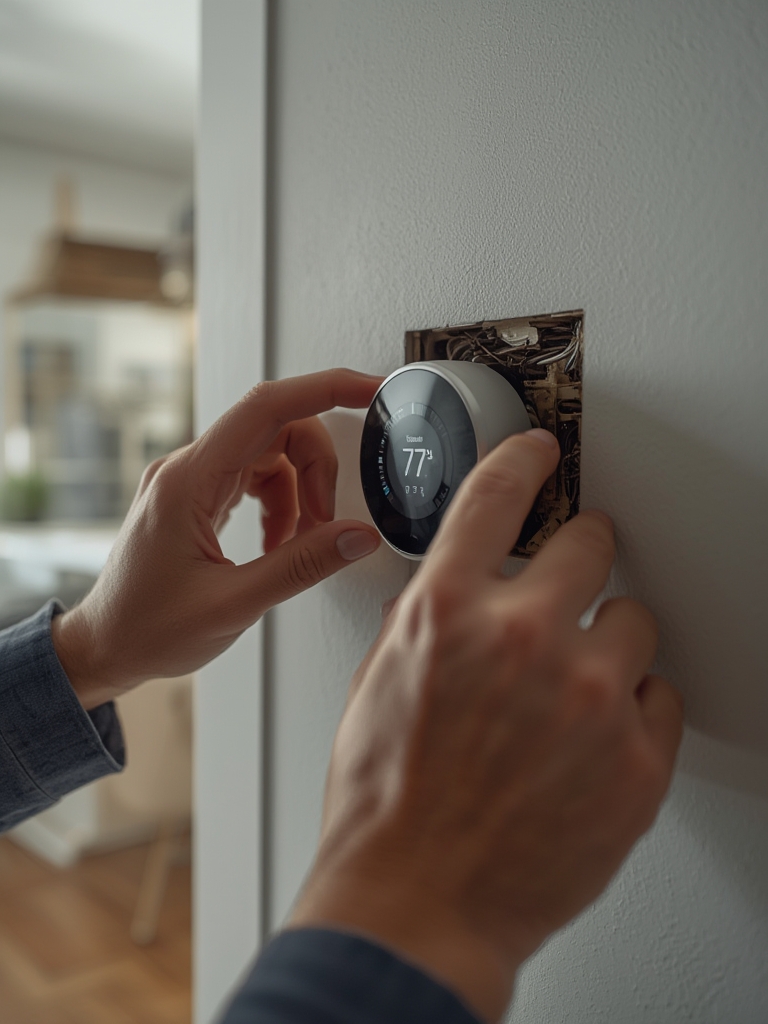
Remember: not every heating or cooling system is compatible with all smart thermostats! Hydronic (radiator) and high-voltage (baseboard) systems often need model-specific solutions or adapters. Always run your system’s compatibility check on the manufacturer’s website before you buy or begin installation.
Installing new tech? Don’t forget that energy efficiency upgrades (like those supported by smart thermostats) can support affordable ways to reduce noise pollution and improve your property’s value.
Advanced Analysis & Common Pitfalls
As the global market analysis shows, installation rates spike where utility rebates and support tools make DIY easier. But many users still run into trouble—mainly due to wiring surprises, compatibility snags, or network drop-outs.
| Common Pitfall | Why It Happens | How to Avoid |
|---|---|---|
| No C-wire detected | Older systems lack continuous power supply needed by smart thermostats | Use a power extender kit or battery-supporting thermostat |
| Wi-Fi connection drops | HVAC closet placement is far from router/interference from other smart home gadgets | Install a mesh repeater or move your router closer; avoid too many devices on a single band |
| Thermostat cycles HVAC erratically | Incorrect wiring, incompatible system, or poor setup | Double-check wiring photos and diagrams; use manufacturer compatibility tool |
| Smart home integration fails | Alexa, Google, or Apple HomeKit expects certain connectivity or protocols not supported by every thermostat | Pick devices with support for Matter, Zigbee, or your preferred ecosystem |
| Unexpected high energy bills | Improper schedule setup, auto-away features disabled, or learning features not calibrated | Monitor analytics, optimize scheduling, use learning features |
For advanced users, consider premium models with adaptive temperature control, occupancy-based logic, or subscription-based energy analytics. These can optimize your home comfort—though at a higher upfront and potentially ongoing subscription cost. Full details here
When pairing smart thermostats with rural property or old buildings, anticipate extra wiring work, and remember that updates like DIY soundproofing may further boost comfort and efficiency.
Conclusion
Smart thermostat installation is both an energy and lifestyle upgrade. By following compatibility checks, wiring guides, and pro tips, you can avoid the most common mistakes—while enjoying energy savings, remote control, and seamless home automation. Whether you’re upgrading an old home or automating a new build, now is a smart time to invest in this future-proof technology.
Ready to transform your comfort and energy efficiency? Start your smart thermostat installation project today—and check out our guides for cheap soundproofing and DIY acoustic insulation to maximize overall home value.
FAQ
What is a C-wire, and do I need it for smart thermostat installation?
The C-wire (common wire) provides continuous power. Most smart thermostats require it. If your old system does not have one, look for models supporting battery operation or use a power extender kit.
Can I install a smart thermostat myself, or do I need a professional?
Many smart thermostats are DIY-friendly, but if you encounter multi-zone wiring, high-voltage systems, or unclear compatibility, hiring a pro can prevent mistakes and equipment damage.
Which smart thermostat works best for apartments or older homes?
Choose smart thermostats with flexible power options, strong Wi-Fi range, and compatibility with your exact heating system. Standalone units may be easier where you do not want to run new wires.
How much money can I save by installing a smart thermostat?
Actual savings vary—market data suggests energy bill reductions up to 10-20% are realistic with proper scheduling and optimization. Your savings depend on system type, home insulation, and usage habits.
Does my smart thermostat work with Alexa, Google Home, and Apple HomeKit?
Most major brands support these platforms, but compatibility is model dependent. Look for Matter support or double-check that your chosen model lists the platform you use.